I have a two motor drivebase set-up with an inertial sensor. All hardware has been confirmed to be working correctly.
With the wheels directly on the motor shafts, velocity and turning blocks work as expected.
When I place 12t gears on the motor shafts and 60t gears on the wheel shafts (and update the gear ratio in the drivetrain set-up), the velocity and turning blocks both stop working. The velocity blocks don’t change the velocity and the turning blocks just send the robot into an endless spin.
(Note: I’ve isolated both of these block errors separately, but I’m discussing them both here because both root causes seem to be the gear ratio.)
Why does adding a mechanical gear reduction stop the velocity and turning blocks from working correctly?
I’ve attached both my 1:1 ratio program and my 1:5 ratio program.
Thanks for your help.
1 to 1 runs correctly.v5blocks (3.2 KB)
1 to 5 velocity and turning don’t run correct.v5blocks (3.2 KB)
1 Like
I can confirm that there is an issue with the drivetrain class. This issue is a very specific case where the ratio for the drivetrain is set so that the wheel turns more than the motor, and then only when the drivetrain velocity is set using % units. Due to the fact that it requires this exact combination, it was never noticed or reported before.
Unfortunately, we do not currently have a timeline for when this will be fixed. You can work around the issue by setting the velocity using RPM units instead of %.
1 Like
Thank you. That’s very helpful.
Is there any known issues related to the inertial sensor and turning when there’s a gear ratio?
1 Like
I’m not aware of any issue with turning and gear ratios, but the robot spinning forever sounds like the robot is turning the oposite direction fro what is expected. When this happens, say you are trying to turn to a heading of 90 degrees, the code is waiting until the heading is greater than or equal to 90. but if it turns the opposite direction starting a a heading of 0, the value starts to decrease and is a growing negative number. That will always be less than 90 degrees until the value overflows and becomes positive again, but that takes a while for the overflow to happen. That is a very simplified explanation, but it is close enough to what the robot is actually doing.
We will take a look to see if we can reproduce the issue, but I would recommend checking that the robot is turning the correct direction. It is possible that the drivetrain gears are reversing the direction the wheels spin, resulting in the robot turning the opposite direction. If that is the case, you can just revers the drivetrain direction. See https://kb.vex.com/hc/en-us/articles/360035954111-Configuring-a-2-Motor-Drivetrain-in-VEXcode-V5#reversing-a-drivetrain-header-10 for info on how to reverse the drivetrain direction.
1 Like
I’ve been kicking around this issue in my head. I haven’t been able to confirm it with physical tests, but mentally, I think I’ve isolated the problem.
When setting up the drive train gear ratio, there’s no indication of how many gears are in the drive train. If we define the default drive train set-up as being an odd number of gears/ shafts (ie, wheel on a single motor shaft, or a 3 gear gear train), the motor rotation direction is always going to be the same for driving forward and or turning to the right or left.
But if there’s an even number of gears in the gear train (ie two shafts), the typical rotation of the motor for “Forward” is actually going to cause the wheels to spin backwards.
Although there are ways to over coming forward and backwards driving issues in the Drive Train set-up, those corrections stop working when we try to make turns.
So in my set-up, with a twelve tooth gear on the motor and and 60 tooth gear on the wheel, when the program says turn right, the motors rotation for right leads to a reversed rotation on the even number of shafts, thus resulting in a left turn.
Because the program is looking for the inertia sensor to read “90* to the right”, the left turning robot is never going to hit that input target and thus spin endlessly in the “wrong” direction.
The solution would need to be a Drive Train Set-up option to indicate how many gears/shafts are in the drive train when the gear ratio is not 1:1. Right? Is there another solution?
Any chance you can follow my logic here? Is it flawed? Or am I zeroing in on the root problem?
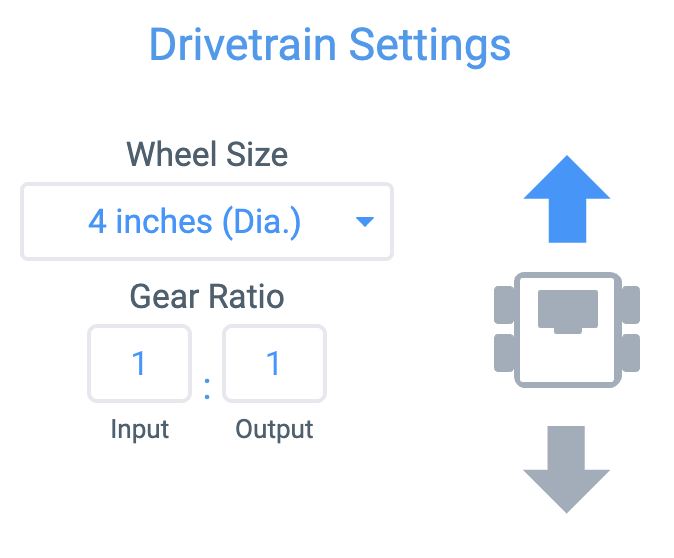
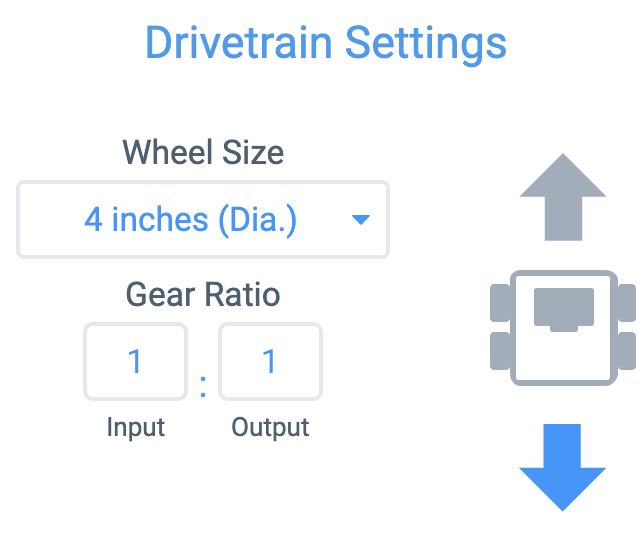
I’m not sure I understand the issue. You are correct that if the wheels rotate the opposite direction from what is expected the robot will not run as you would expect. However, if you have a gear train that reverses the direction of rotation for the wheels, you can use the arrows in the drivetrain settings to reverse the direction of the motors to have the wheels spin the correct direction.
Normal:
Reversed: