Hi everyone! Thank you to those that attended my IQ - AI and Computational Thinking workshop at the 2026 VEX Robotics Educators Conference last week to learn more about the AI Vision Sensor! I mentioned during the workshop that I would post a PDF of my slides and the project file we coded together. Here are those files.
IQ - AI and Computational Thinking.pdf (2.6 MB)
IQ AI Vision Sensor.iqblocks (6.1 KB)
During the workshop we also did two activities: Field of View and Trick the Sensor. The Trick the Sensor activity details are already in the PDF of the slides, but I wanted to provide the steps for the Field of View activity in case you’d like to do it yourself.
Field of View Activity
- Follow the steps in this article to connect the AI Vision Sensor and open the Utility.
- Position the sensor on a robot or just by itself on a flat surface.
- Ensure you can see the live stream of what the sensor sees in the Utility.
- Take any object (like a Cube) and move it around the sensor to see where the edges of its field of view are.
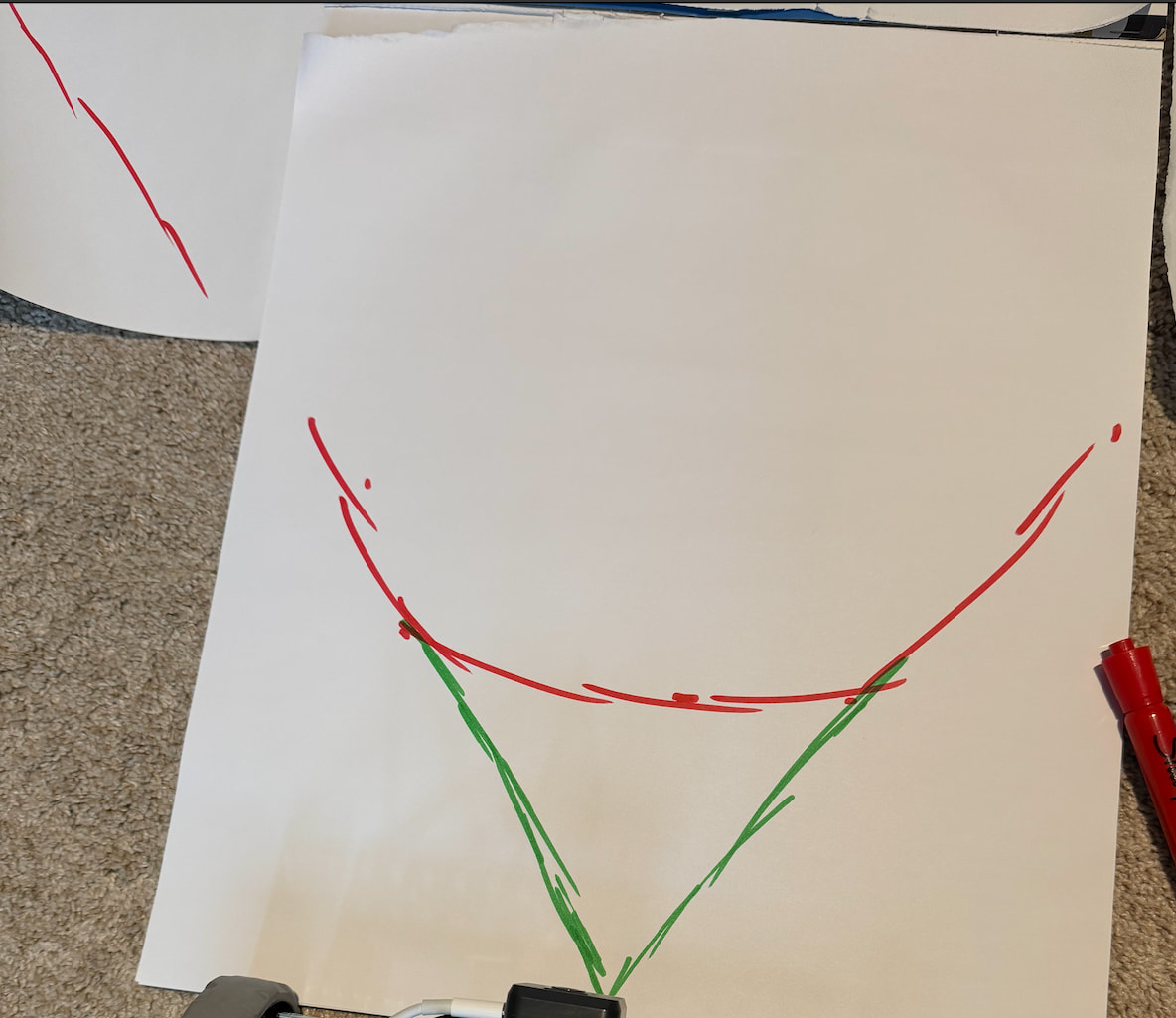
- Use painters tape, pipe cleaners, or put paper down on the surface and use a marker to map where the edges of the field of view are. You should notice it makes a cone shape.
If time allows, you can use a ruler to draw the angled lines going back to the center of the sensor. Then, you can measure the angle of the field of view (most common angles are between 55 - 95 degrees). You can engage students in a discussion by asking them things like, could the angle ever be 0 degrees? What about 180? These questions can help deepen their understanding of what the sensor actually sees.
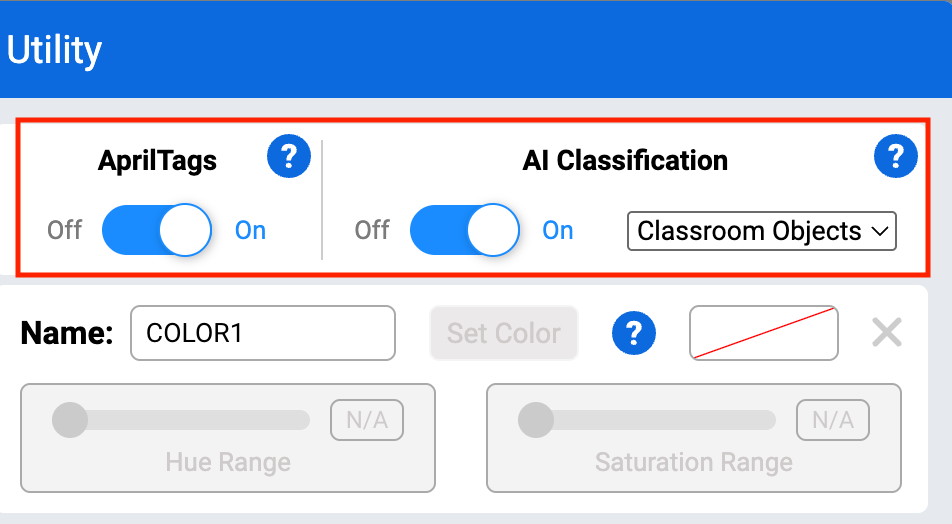
If you’d like to take this activity further, you can also ask students to toggle the “AprilTags” and “AI Classification” on to see what types of objects are classified. More information about the AI Vision Sensor and classifications can be found in this category of the VEX Library.