The 2026 - 2027 VEX IQ Robotics Competition, Level Up, is coming! Ready to take on the challenge? Virtual Skills in VEXcode VR is here to help you build up coding skills and test your game strategies.
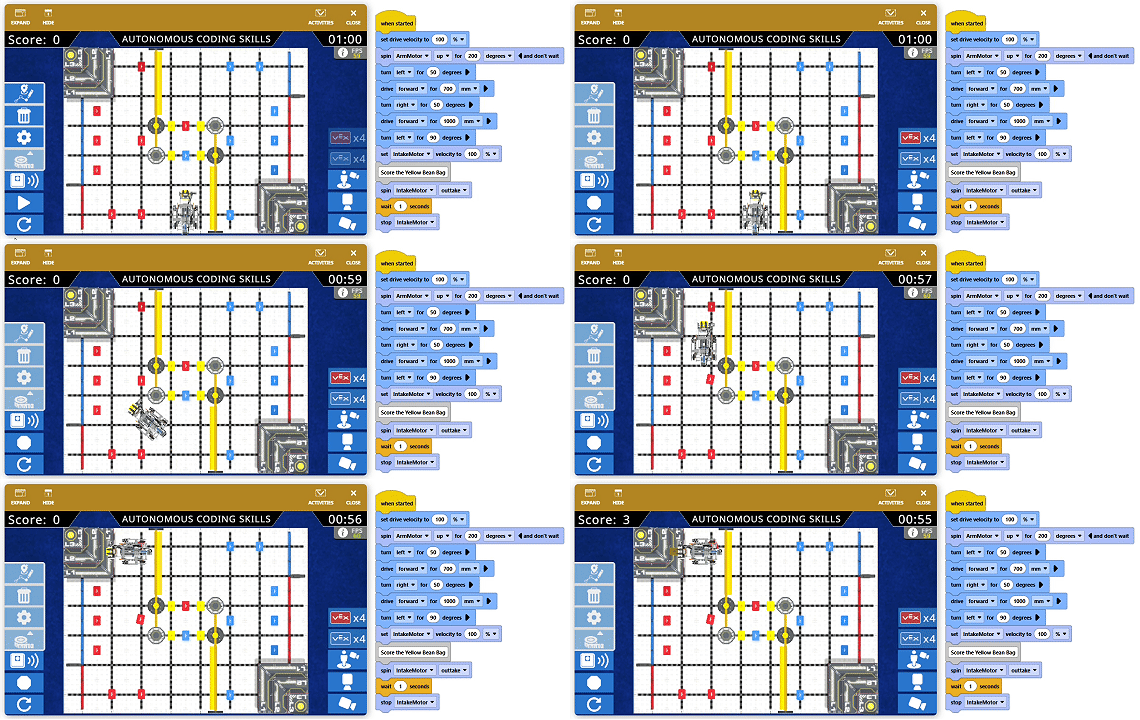
This season’s Virtual Skills brings AI Vision and AprilTags into the game, offering opportunities to learn new coding skills, use AI Vision for navigation, and explore different path strategies to complete tasks.
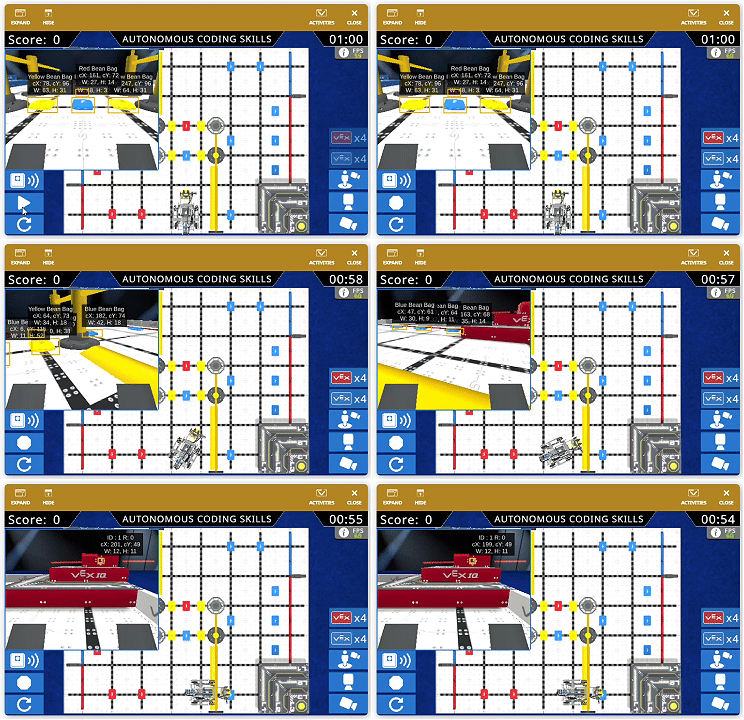
The objective of Level Up is to score Bean Bags into Goals, so today, let’s focus on the basics: coding the Hero Bot to score points!
Score Your First Point
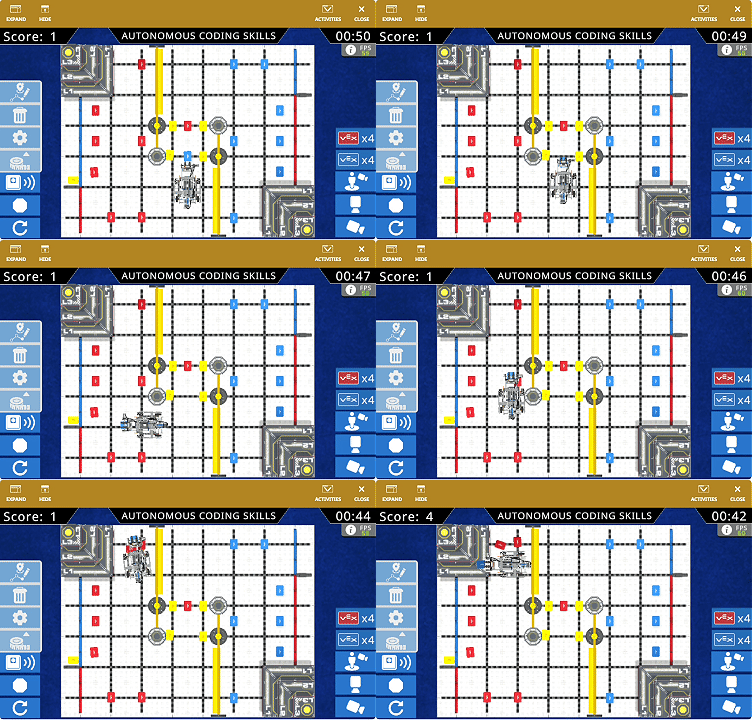
In Virtual Skills, scoring your first point is easy! According to the game rules, the Hero Bot starts with one yellow Bean Bag as a Preload. Simply place it fully inside the Blue Floor Goal, and you’ve earned your first point!
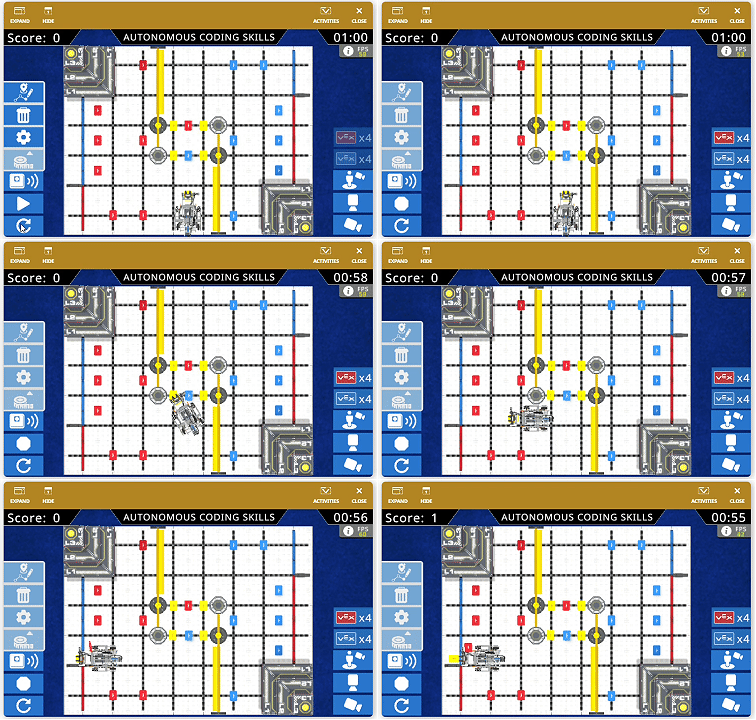
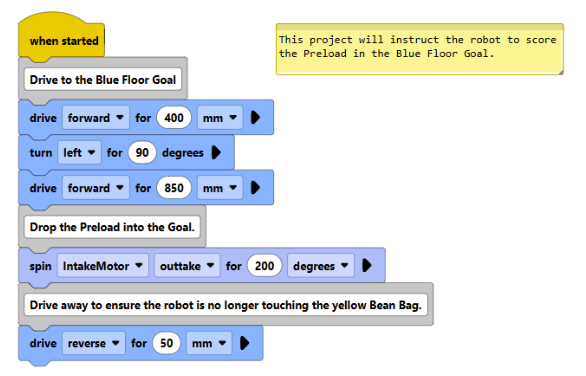
To instruct the Hero Bot to score the Preload in the Blue Floor Goal, we can build the project in the following sequence:
-
Use Drivetrain blocks to drive the robot to the Blue Floor Goal.
-
Use a Motion block to spin the Intake Motor to eject the Preload, dropping the yellow Bean Bag into the Goal.
-
Use a Drivetrain block to drive the robot in reverse, ensuring the yellow Bean Bag is no longer touching any VEX IQ parts so that it can successfully score.
Score a Bean Bag on the Pyramid Goal
While each Bean Bag scored in a Floor Goal earns 1 point, a Bean Bag scored on an L1 Goal in a Pyramid Goal earns 3 points!
To go for these 3 points, we need to code the Hero Bot to complete three actions:
-
Pick up a Bean Bag.
-
Drive to the matching-color Pyramid Goal.
-
Drop the Bean Bag onto the Pyramid Goal.
First, let’s take a look at the robot controls involved in these tasks.
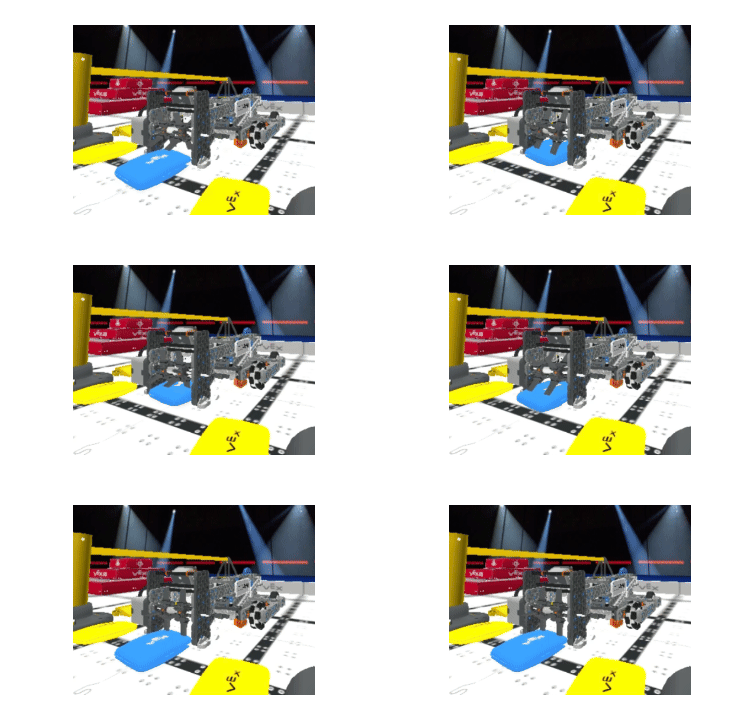
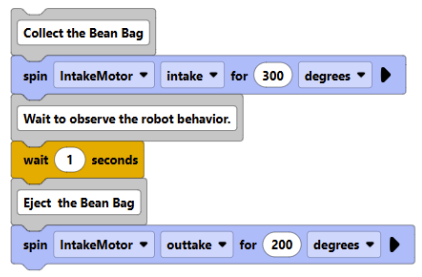
- Collect and Eject a Bean Bag
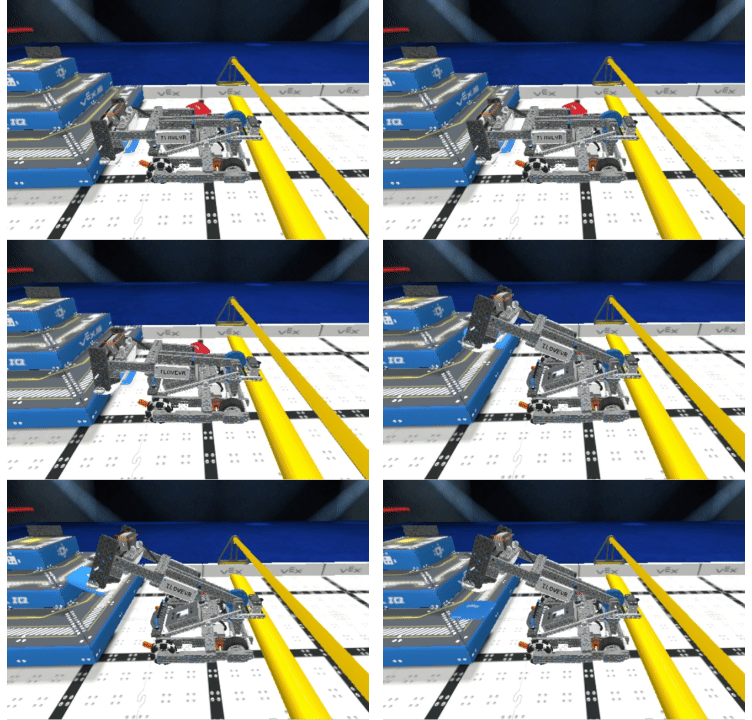
To collect a Bean Bag, spin the Intake Motor intake (forward). This pulls the Bean Bag in front of the Intake Mechanism into the robot. To eject the Bean Bag, spin the Intake Motor outtake (reverse).
-
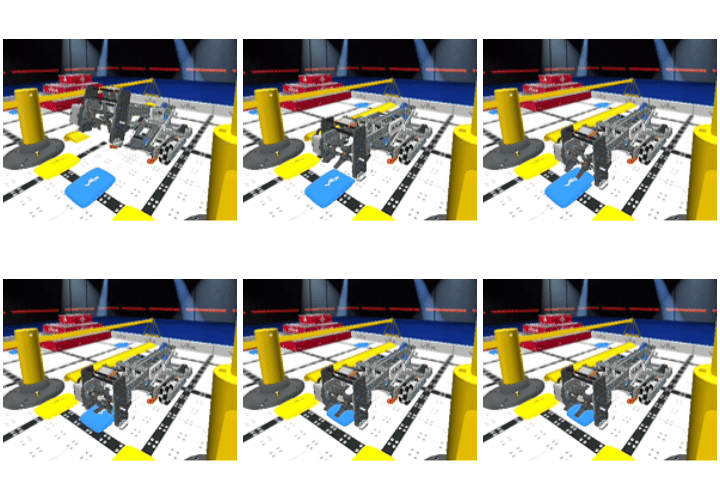
Raise and Lower the Arm
We need to adjust the height of the Arm to perform different tasks.
To raise the Arm, spin the Arm Motor up (forward). To lower the Arm, spin the Arm Motor down (reverse).
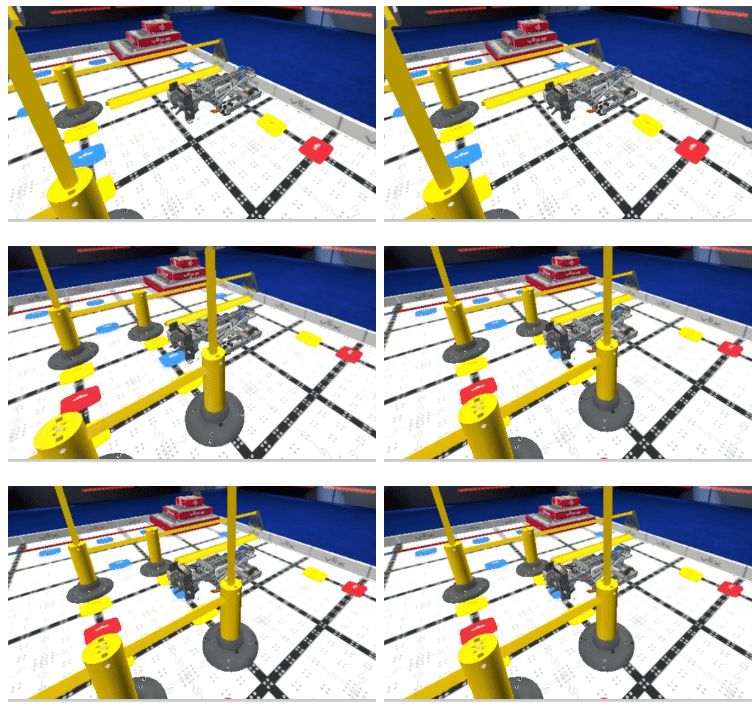
- Example task: Lower the Arm to collect a Bean Bag
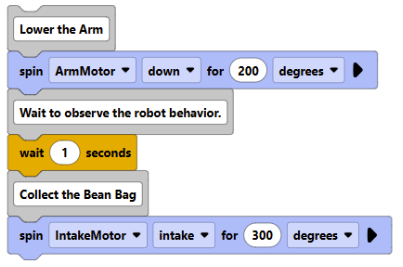
-
- Example task: Raise the Arm to drop a Bean Bag onto the Pyramid Goal
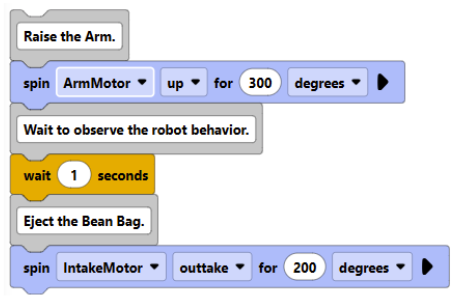
Now, let’s put it all together to instruct the Hero Bot to score a Bean Bag on the Pyramid Goal.
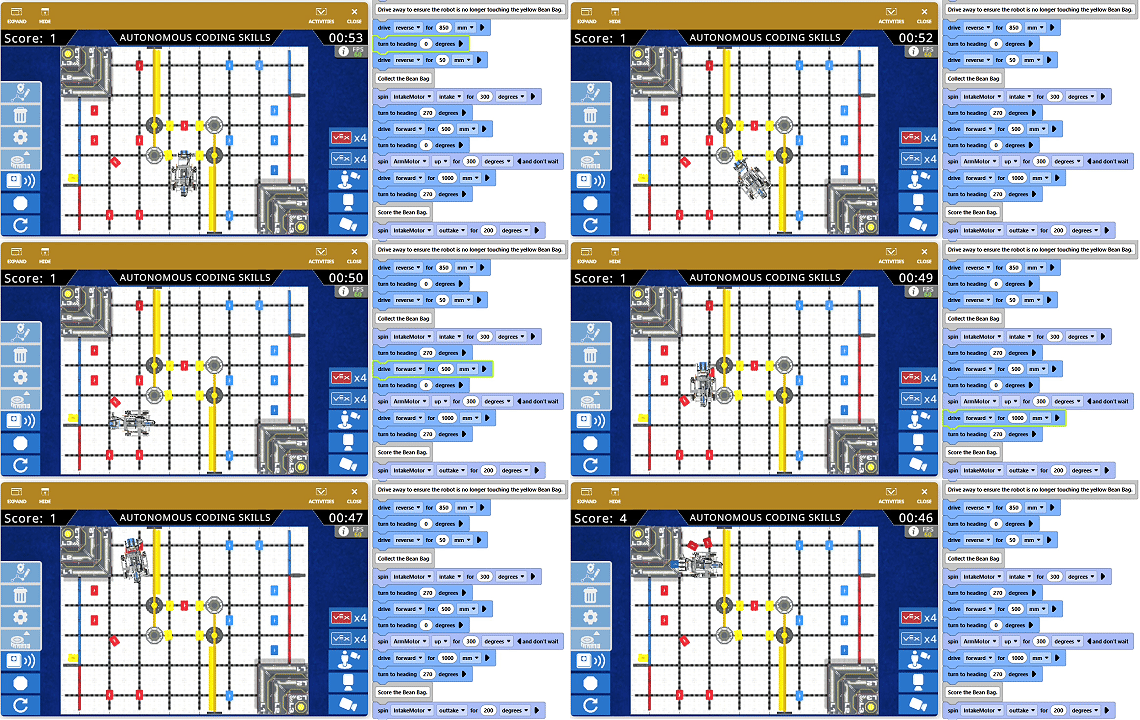
Coding tips:
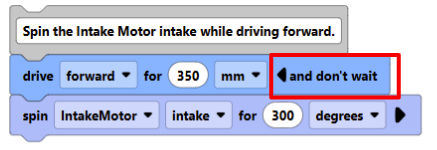
- Select the arrow on the side of the [drive for ] block to change it to non-waiting. This allows the robot to spin the Intake Motor while driving toward the Bean Bag, ensuring the Intake is already spinning when the robot reaches the pickup position for more reliable collection.
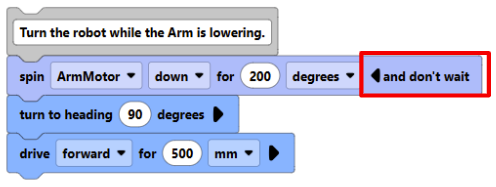
2. Lower the Arm to pass under the barrier, and select the arrow on the side of the [spin for ] block to change it to non-waiting. This allows the robot to lower the Arm while moving, ensuring it passes under the barrier successfully and saves time.

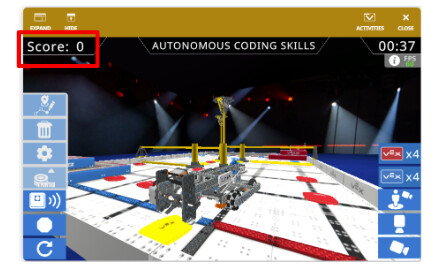
3. Make sure the Bean Bag meets the scoring criteria to earn points. Avoid the following situations that can prevent it from scoring:
- Part of the Bean Bag is contacting the Hero Bot.
- The Bean Bag is not entirely within the defined area.
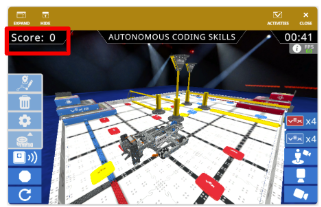
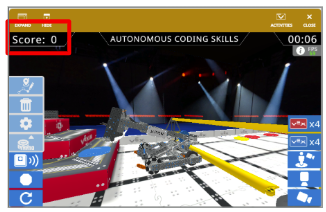
- The Bean Bag does not match the color of the Goal it is resting on.
Level Up Your Score
According to the scoring rules of Level Up, if a Bean Bag counts as scored on multiple levels, it receives points for the higher level.
In Virtual Skills, the Hero Bot can drop a Bean Bag onto an L1 Goal in a Pyramid Goal to earn 3 points. But why stop there?
To level up your score, program the Hero Bot to consistently place Bean Bags in the same position and orientation, allowing them to stack on top of one another. As the stack grows, the top Bean Bag can reach L2 Goal. If it is in contact with L2 while also supported by a stack of Bean Bags on L1, this Bean Bag levels up to L2 and receives 6 points instead of 3!
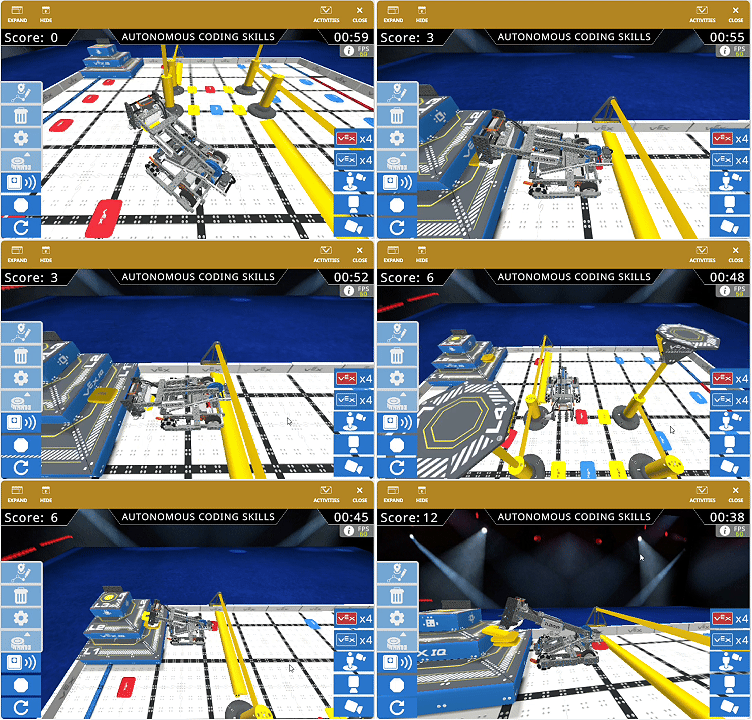
Level Up is a game of strategy! How to instruct the robot to score often and move quickly? How to decide which path works best for the Hero Bot?
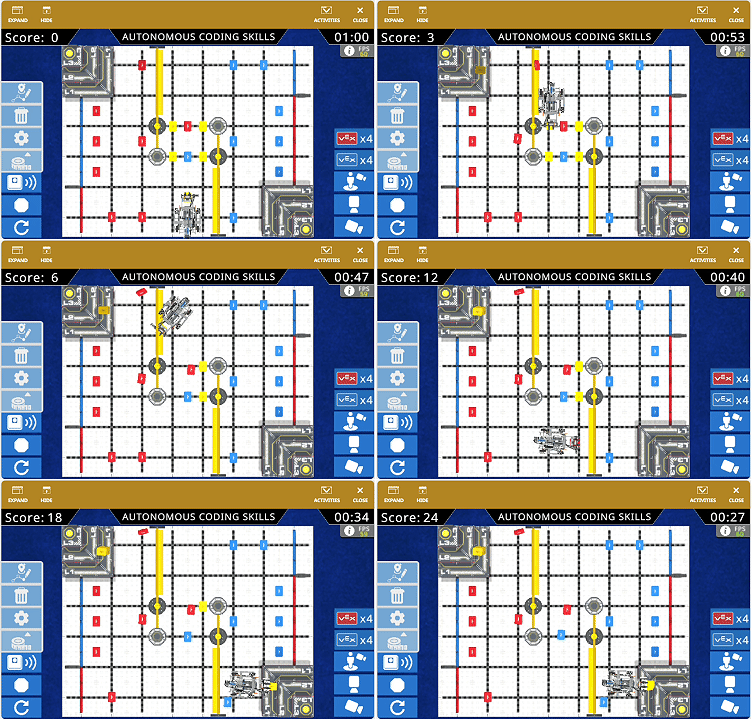
In the next post, we’ll start exploring some cool tools for navigation in Level Up Virtual Skills and see how they can help us evaluate different options and choose the best strategy.
Please let us know if you have any questions, comments, or feedback. Thank you!