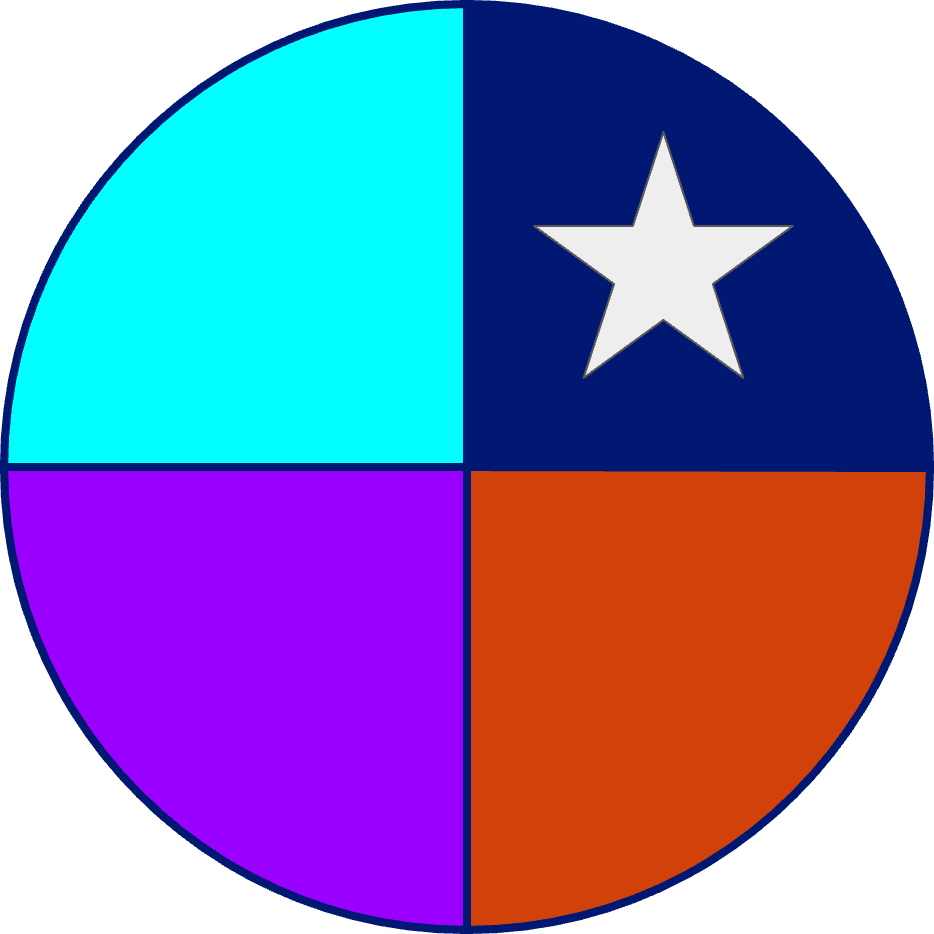
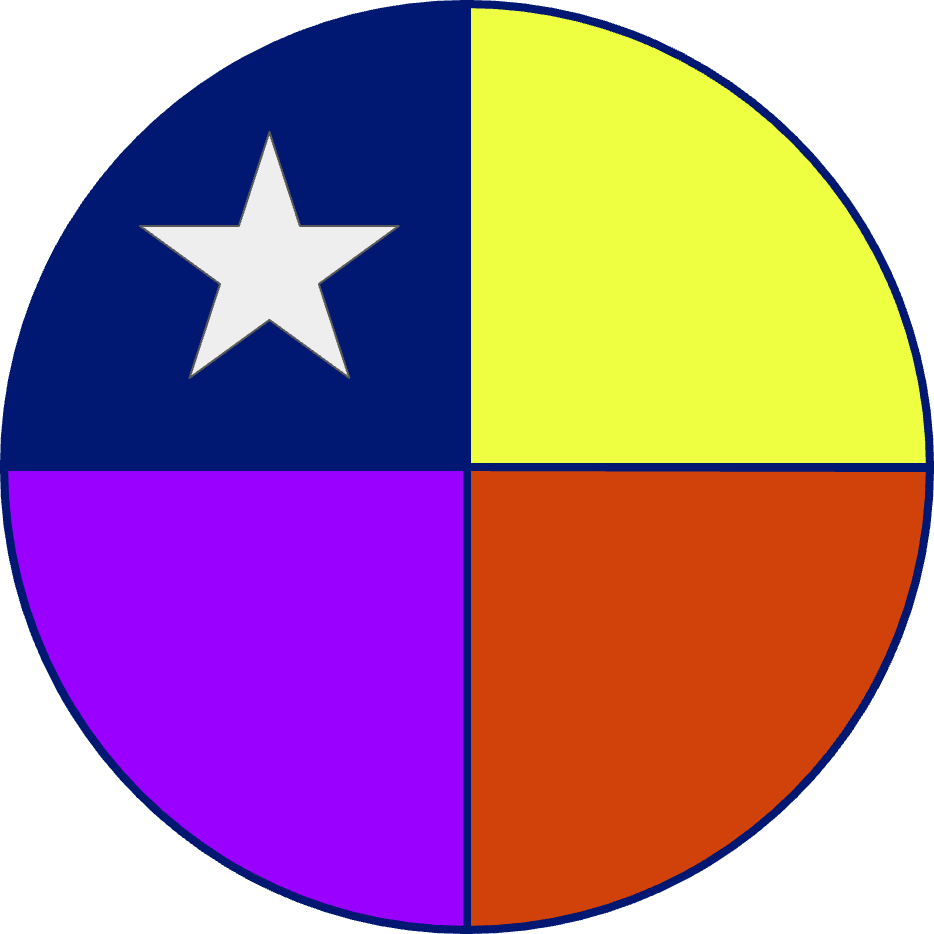
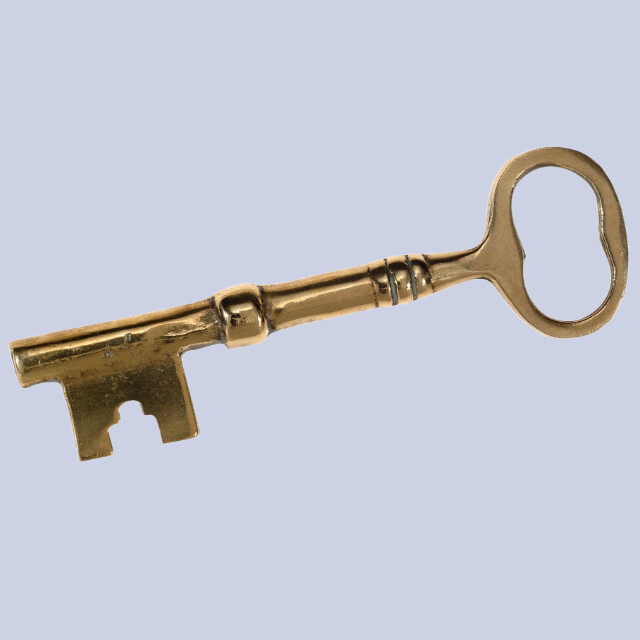
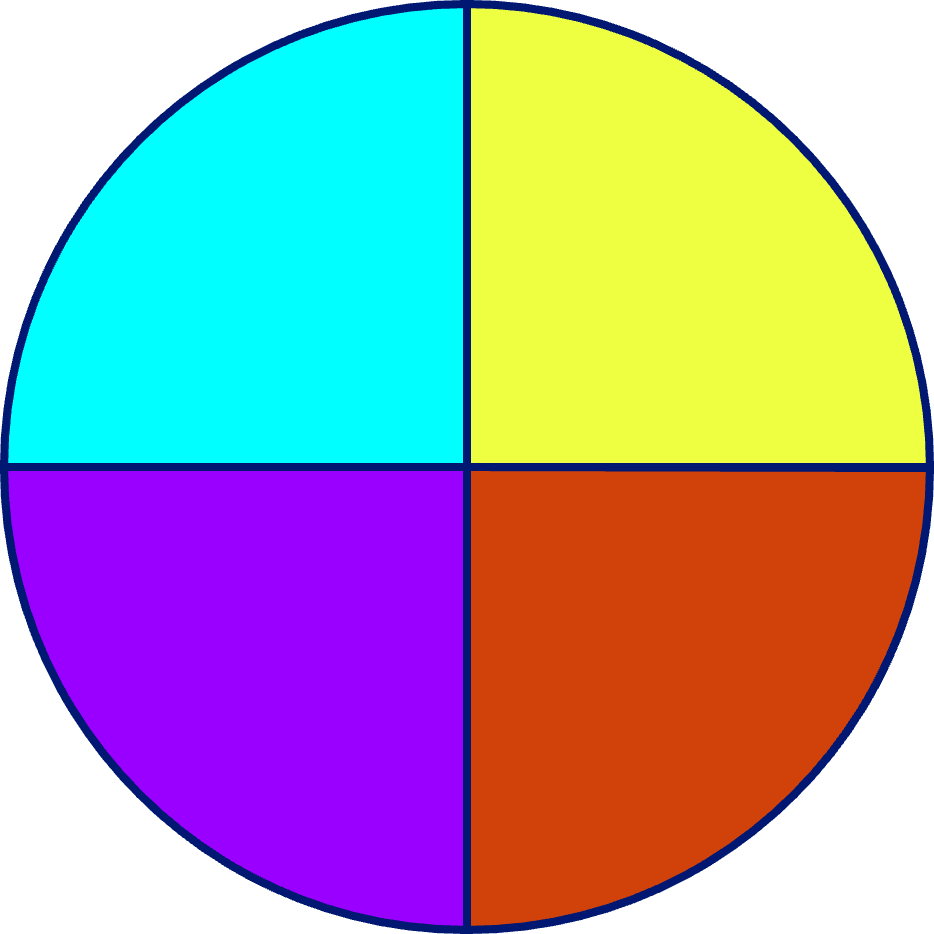
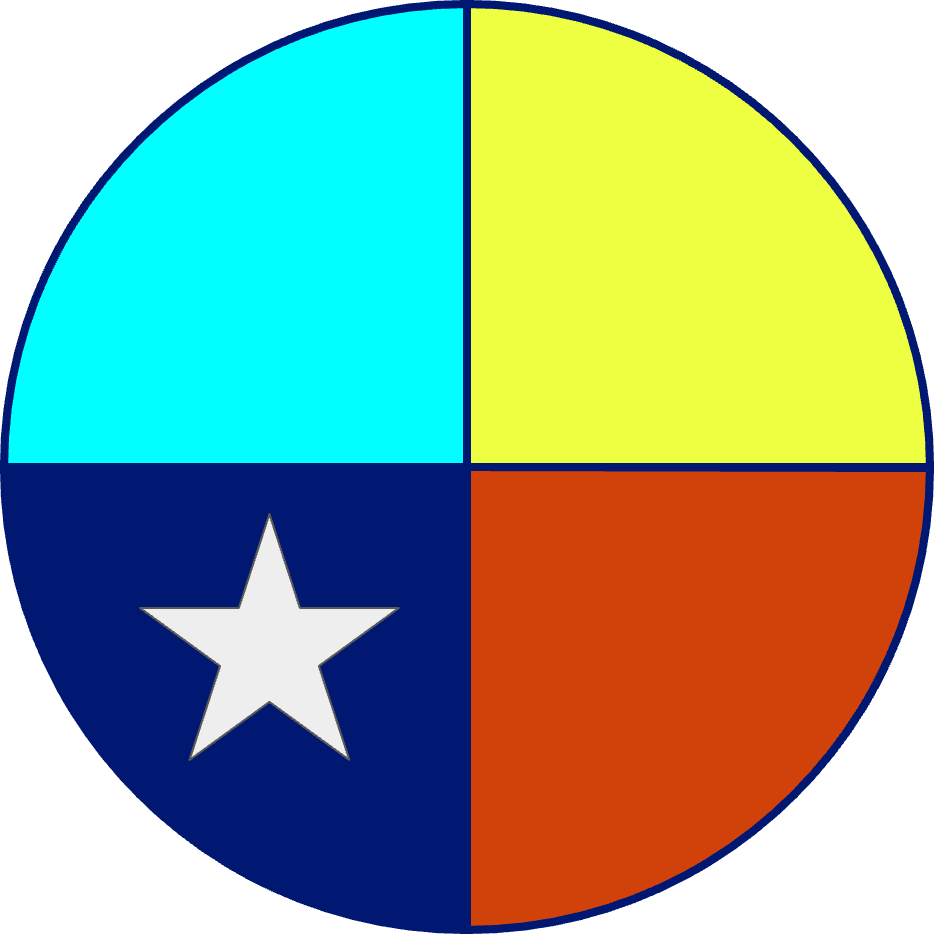
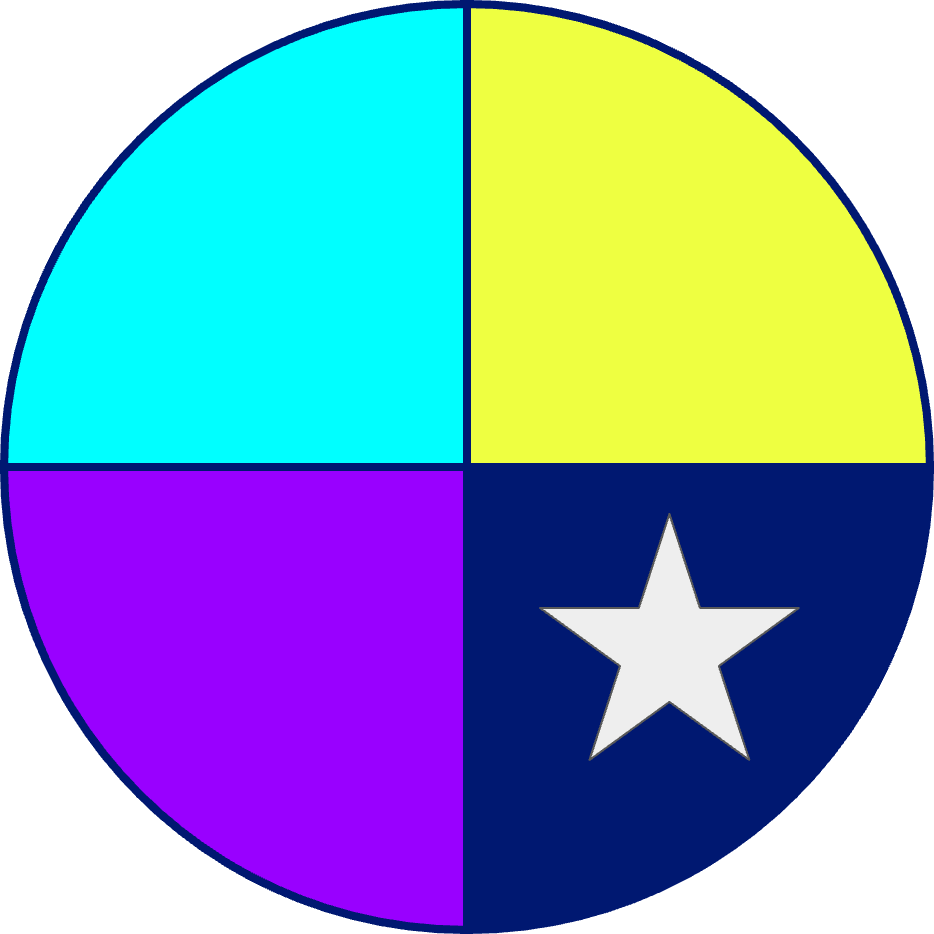
Thank you so much for everyone who joined my workshop yesterday! Here is a PDF of my slideshow and the 4 VEXcode AIM projects that made the different puzzles. At the end of this post, I will also add the images to upload to the robot!
I’d love to see how you modify these puzzles for yourself and your students 
Here is an article on how to upload images to your AIM: https://kb.vex.com/hc/en-us/articles/34982897696020-Uploading-Custom-Images-in-VEXcode-AIM
- Image 1 –> upload to slot 1
- Image 2 → upload to slot 2
- Image 3 → upload to slot 3
- Image 4 → upload to slot 4
- Image 5 → upload to slot 5
- AprilTag ID 2 → upload to slot 6
- AprilTag ID 4 → upload to slot 7
- AprilTag ID 1 → upload to slot 8
- Key image 10 → upload to slot 10
Signal Vault_ A VEX AIM Escape Room.pdf (3.0 MB)
Simon Says.aimblocks (30.4 KB)
Final Countdown!.aimblocks (16.5 KB)
Combination Lock.aimblocks (23.6 KB)
Placement Puzzle.aimblocks (12.2 KB)